01 · The opportunity
Make a complex business easier to enter.
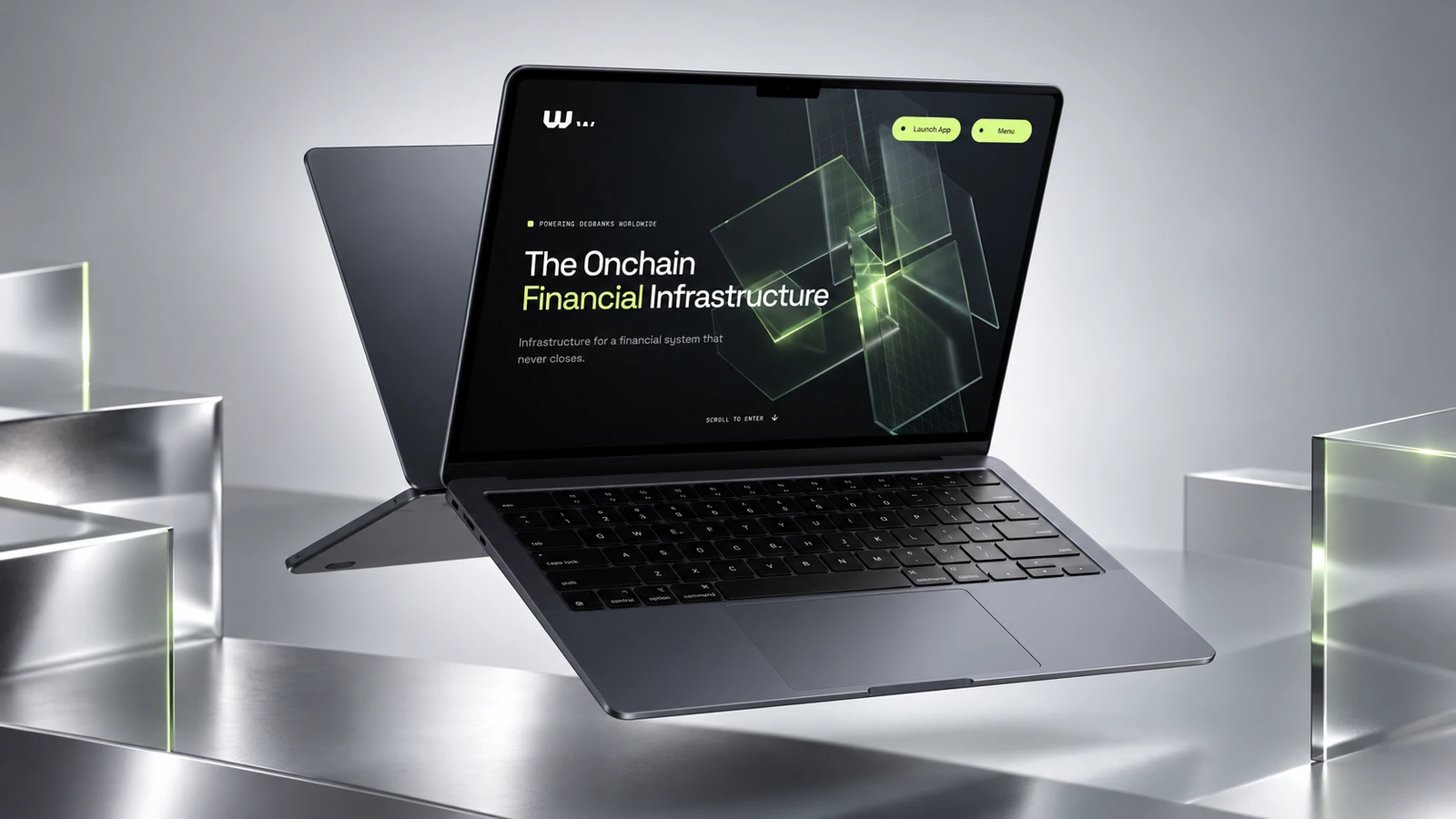
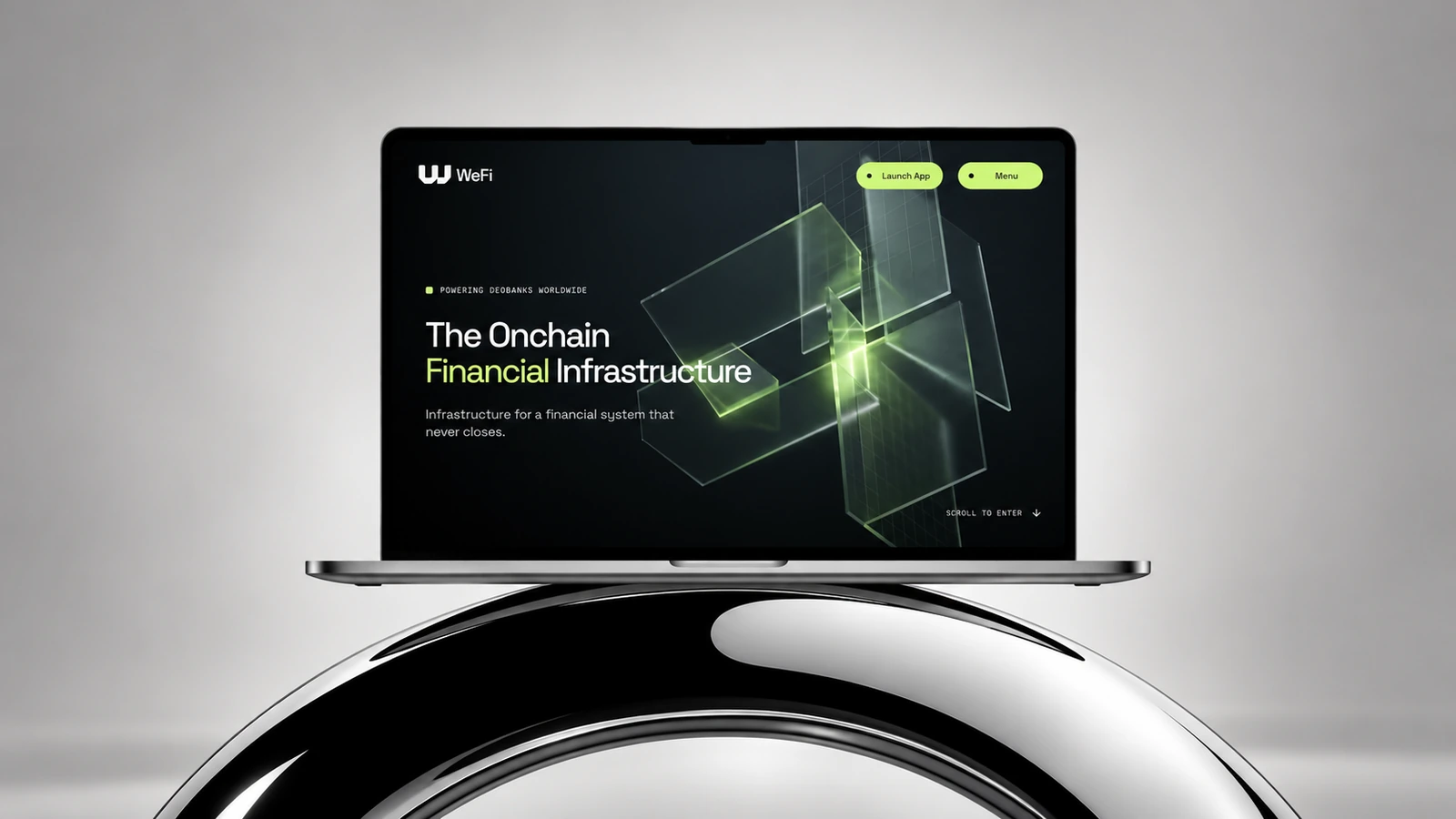
WeFi’s story extends far beyond the interface a visitor first sees. Its infrastructure, services and connections need to make sense before the experience can feel useful.
I refreshed the UI and simplified the copy to give that story a clearer rhythm. Each section introduces one idea, with enough space to understand it before moving into the next.
02 · Illustration system
One visual language. Light and dark.
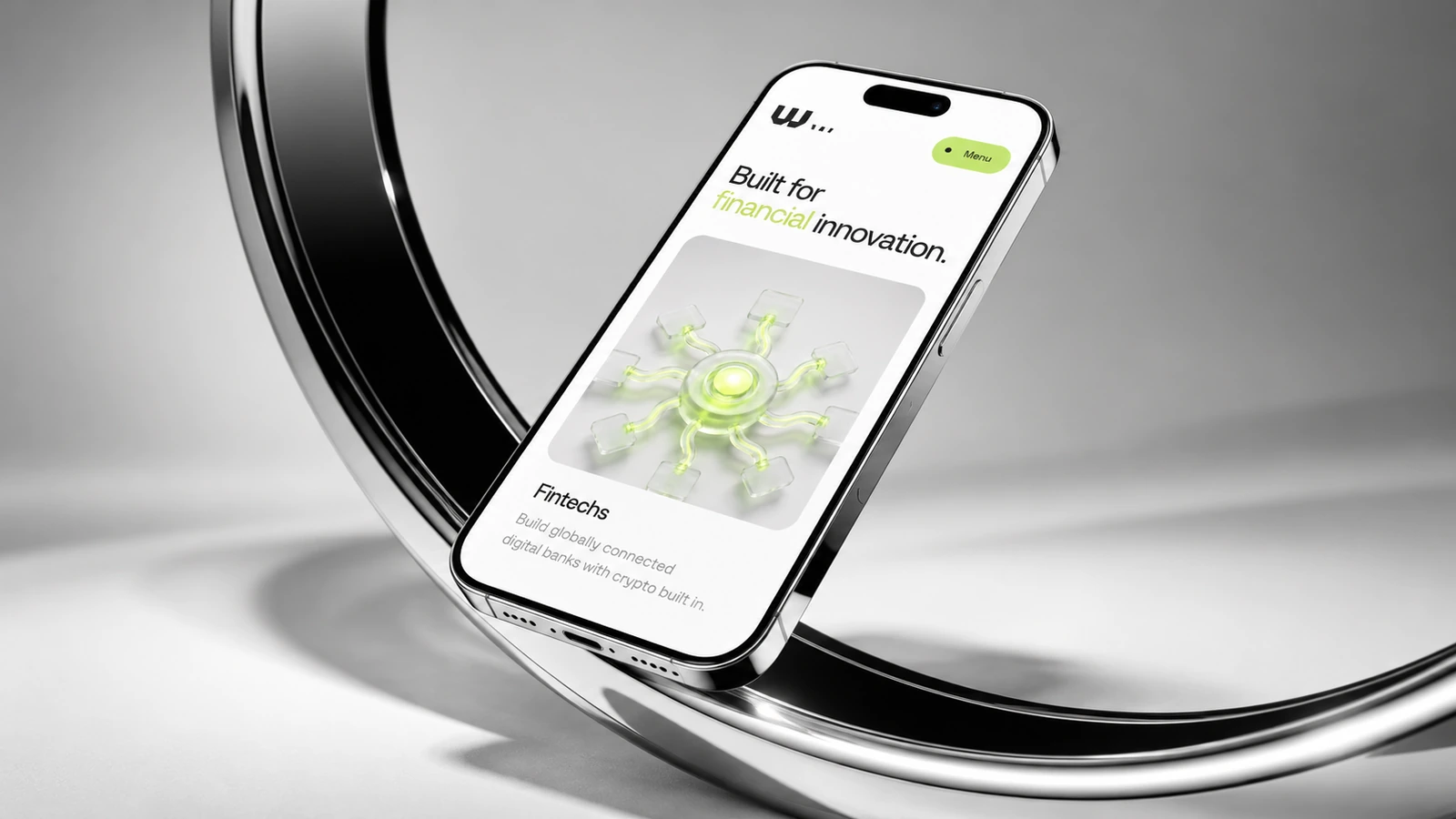
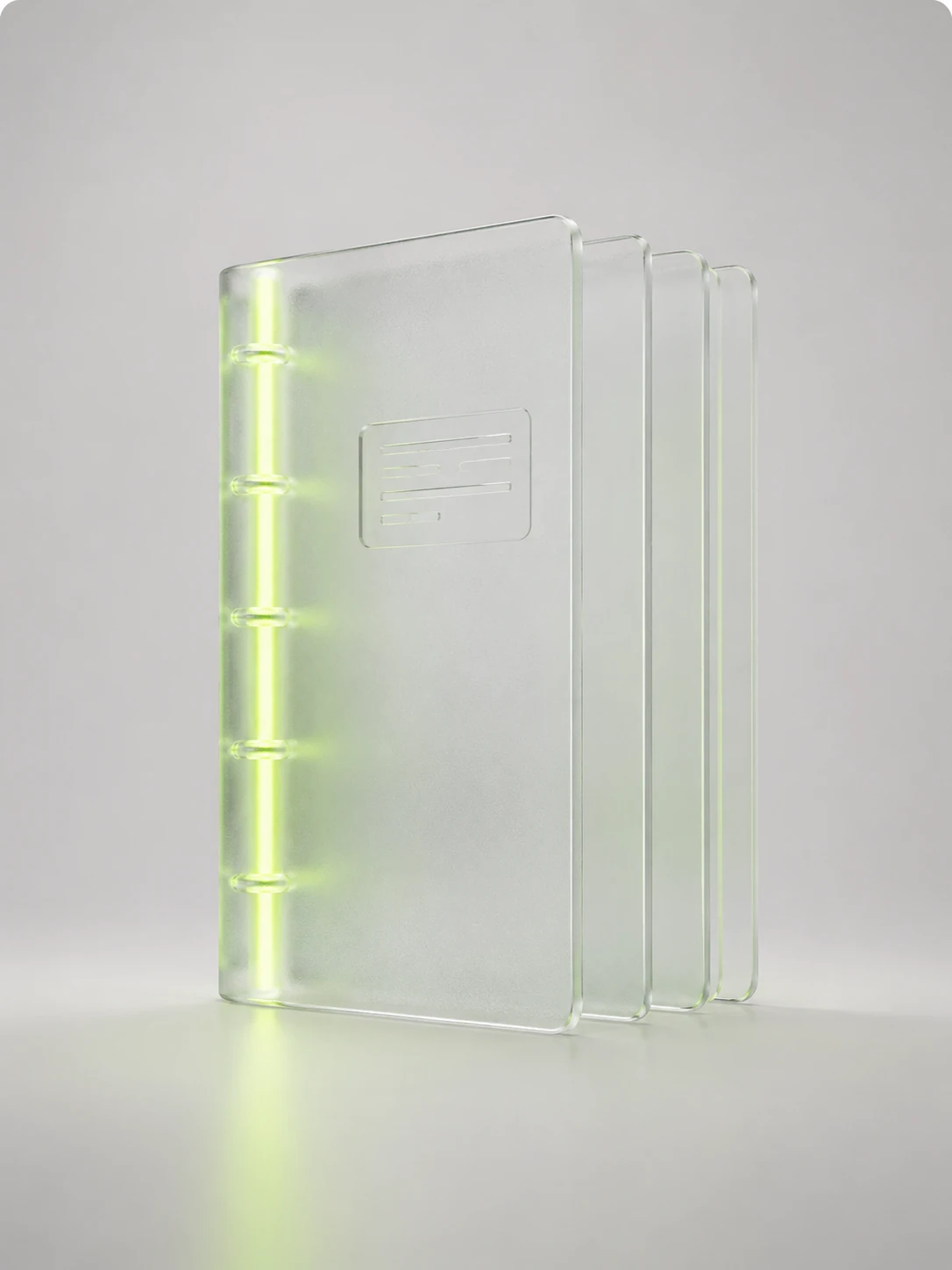
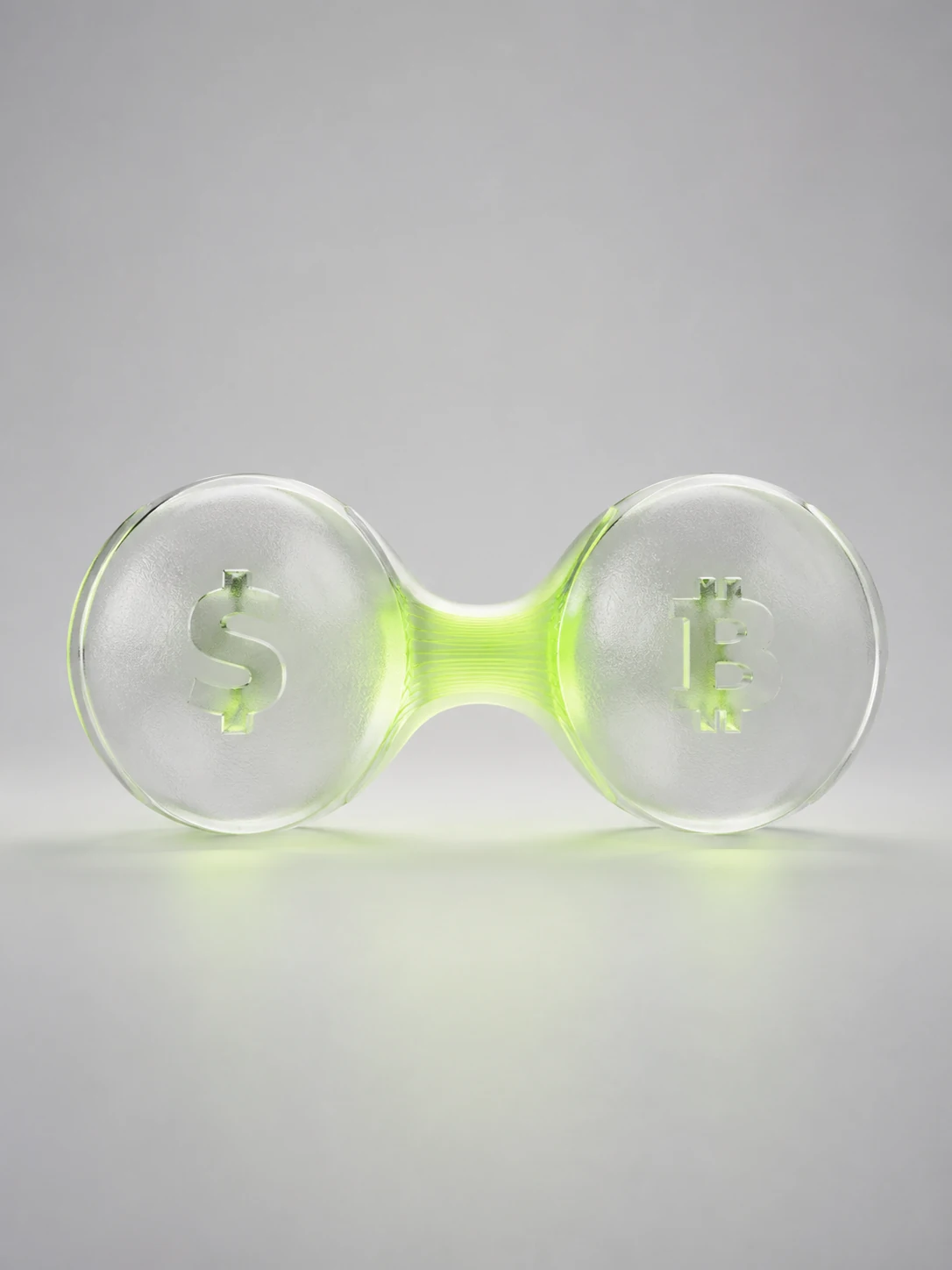
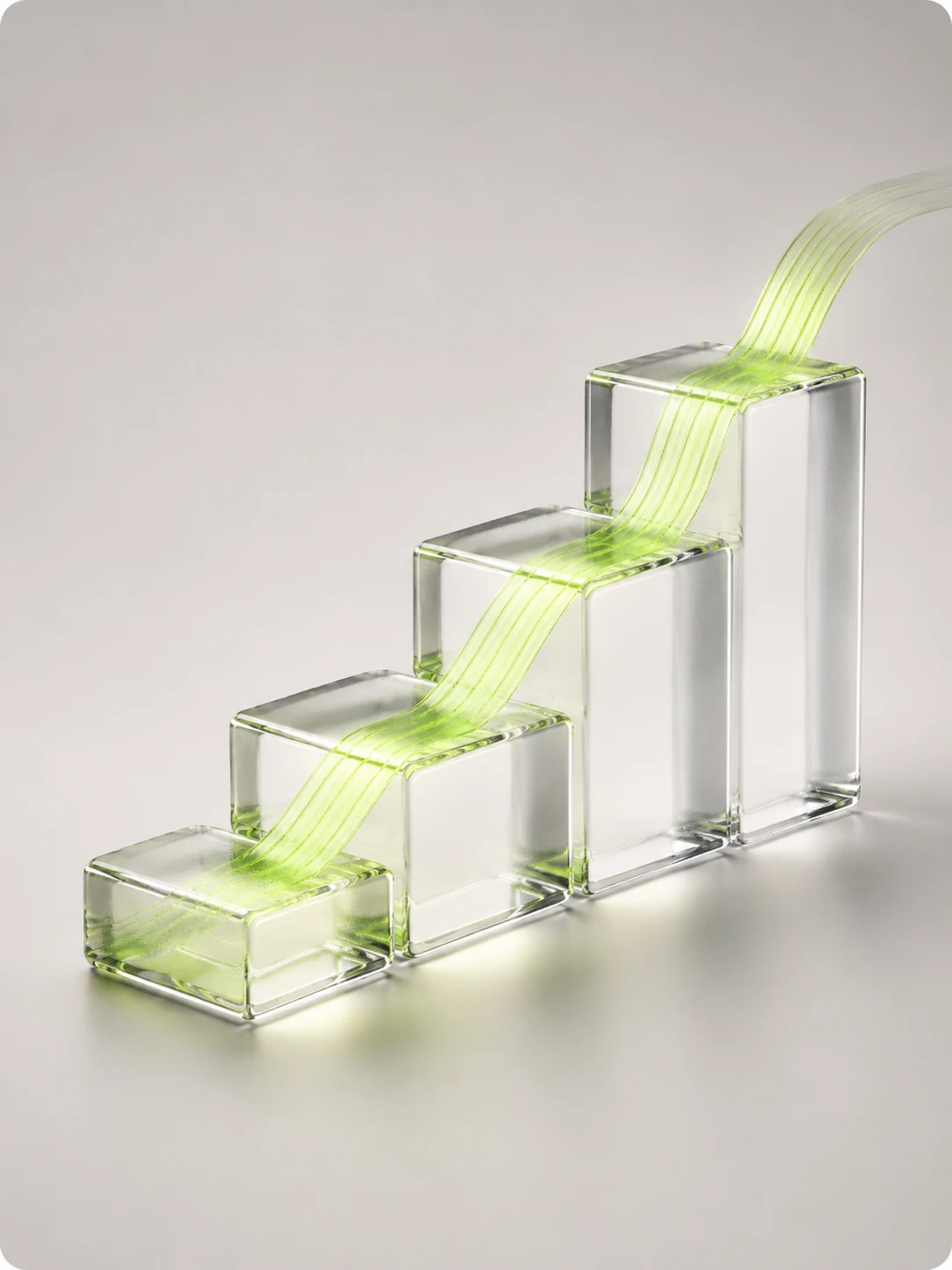
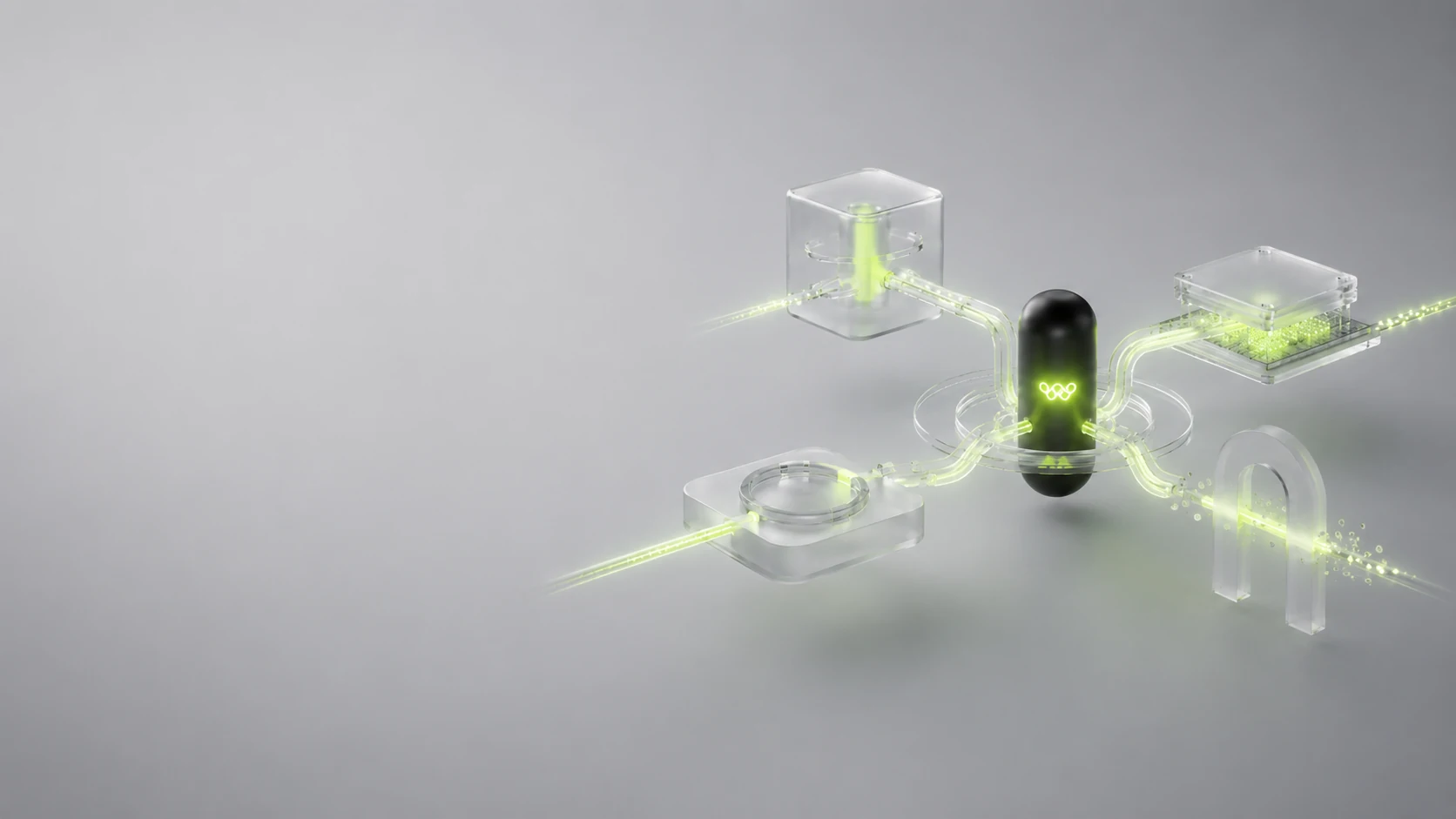
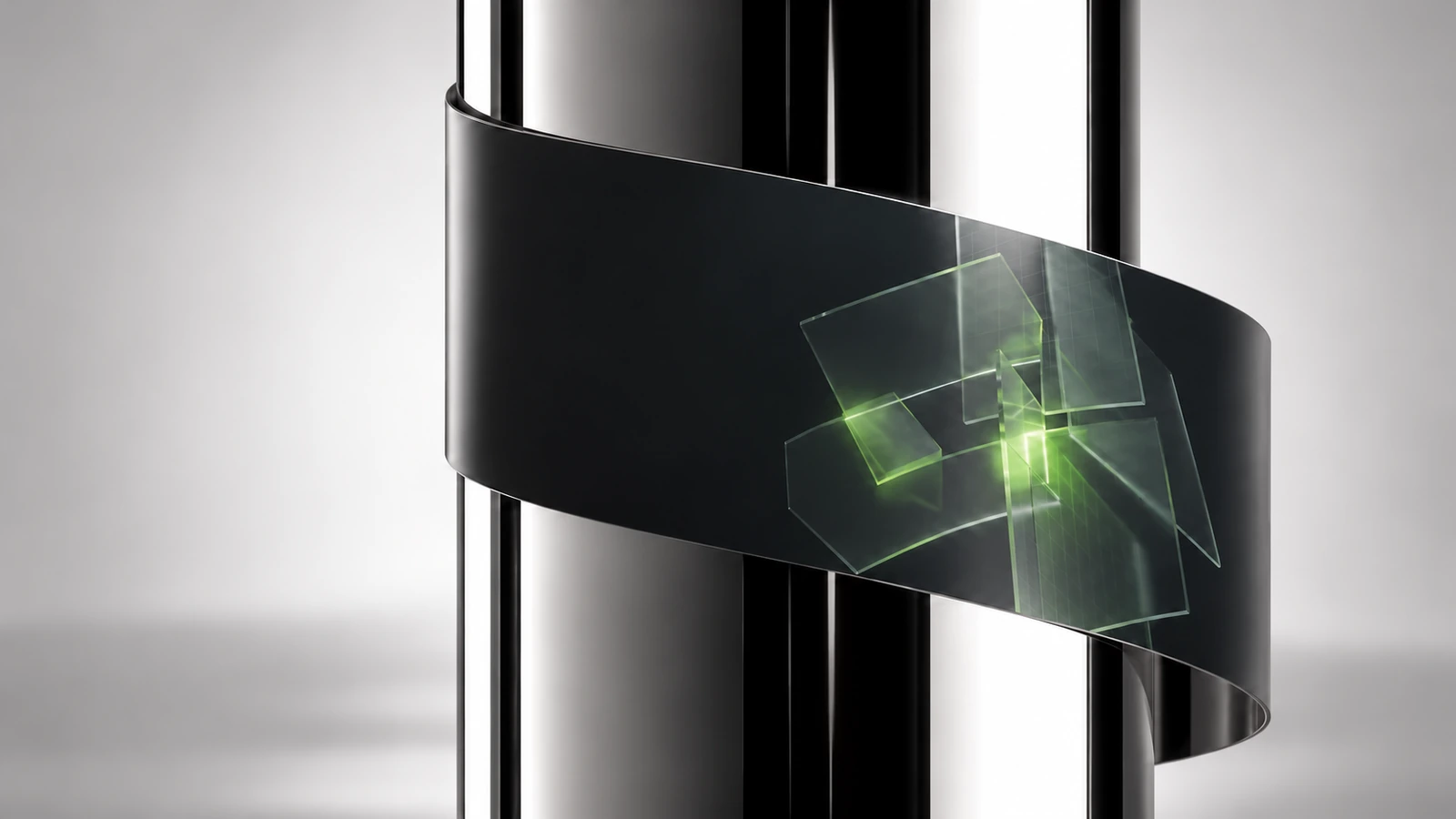
I built an illustration system that translates complex financial ideas into abstract, tangible forms. Glass, dark structural elements and a luminous lime accent create a shared vocabulary across the website.
The system works across light and dark settings. The subject changes with the content, while the material language, lighting and visual hierarchy keep the experience connected.
03 · Content creation
A system that can keep producing.
The illustration work was designed as a repeatable content system. A new topic starts with its underlying idea: what is being connected, protected, recorded or exchanged? That relationship becomes the basis for the image.
A consistent visual direction makes future content easier to generate and review. The goal is a faster, more automated workflow that can expand the library without losing its identity.


04 · Interactive architecture
Five layers you can explore.
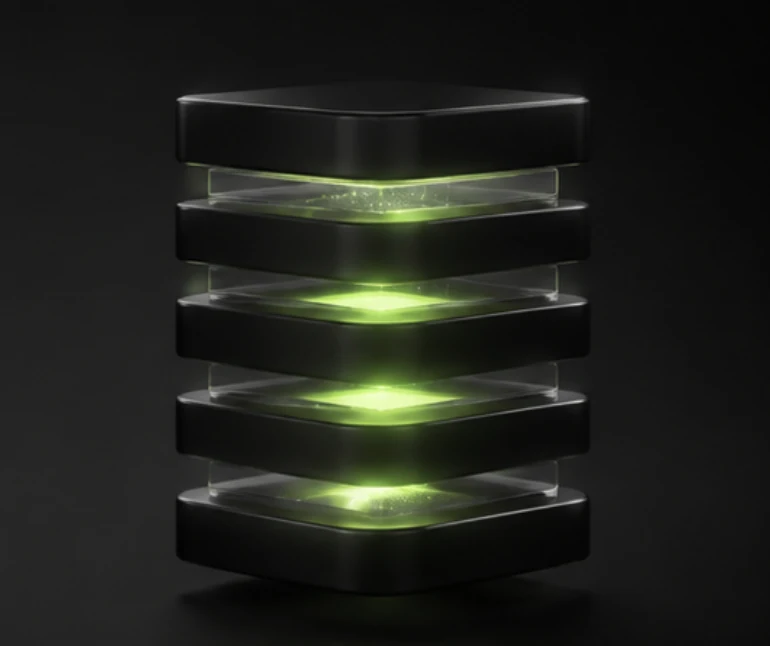
The most important change was making the business architecture interactive. A flat image can show a stack; it gives the audience little opportunity to investigate what is inside it.
The model lets visitors rotate, open and explore the structure, from Infrastructure and Ledger through Custody and Application to Presentation. Selecting a layer reveals its role, its components and how it connects to the others.
The interaction has a light sense of discovery: people can follow their curiosity, choose their own path and spend time with the information that matters to them.
05 · A living closing moment
Move the core. Feel the connection.
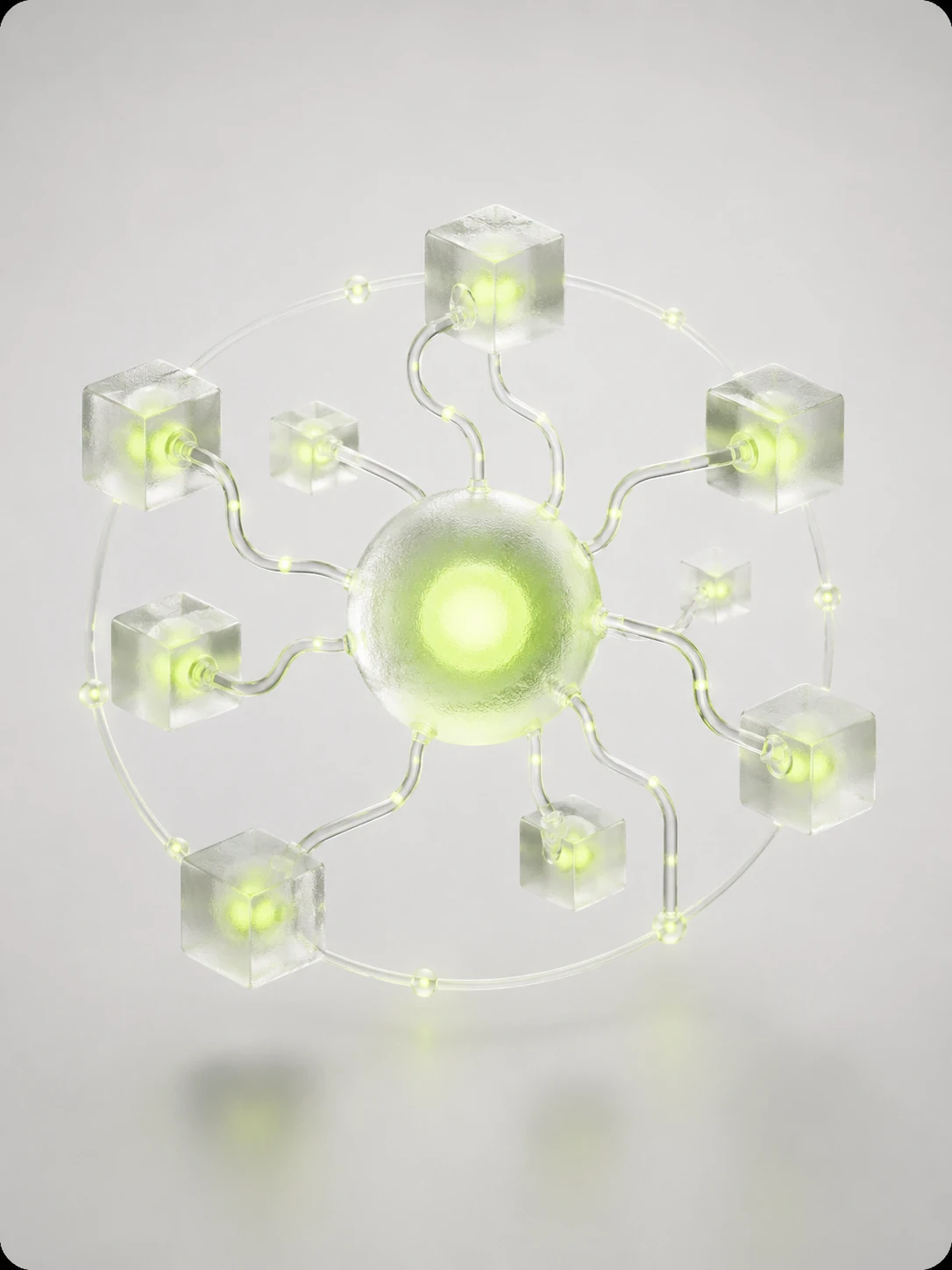
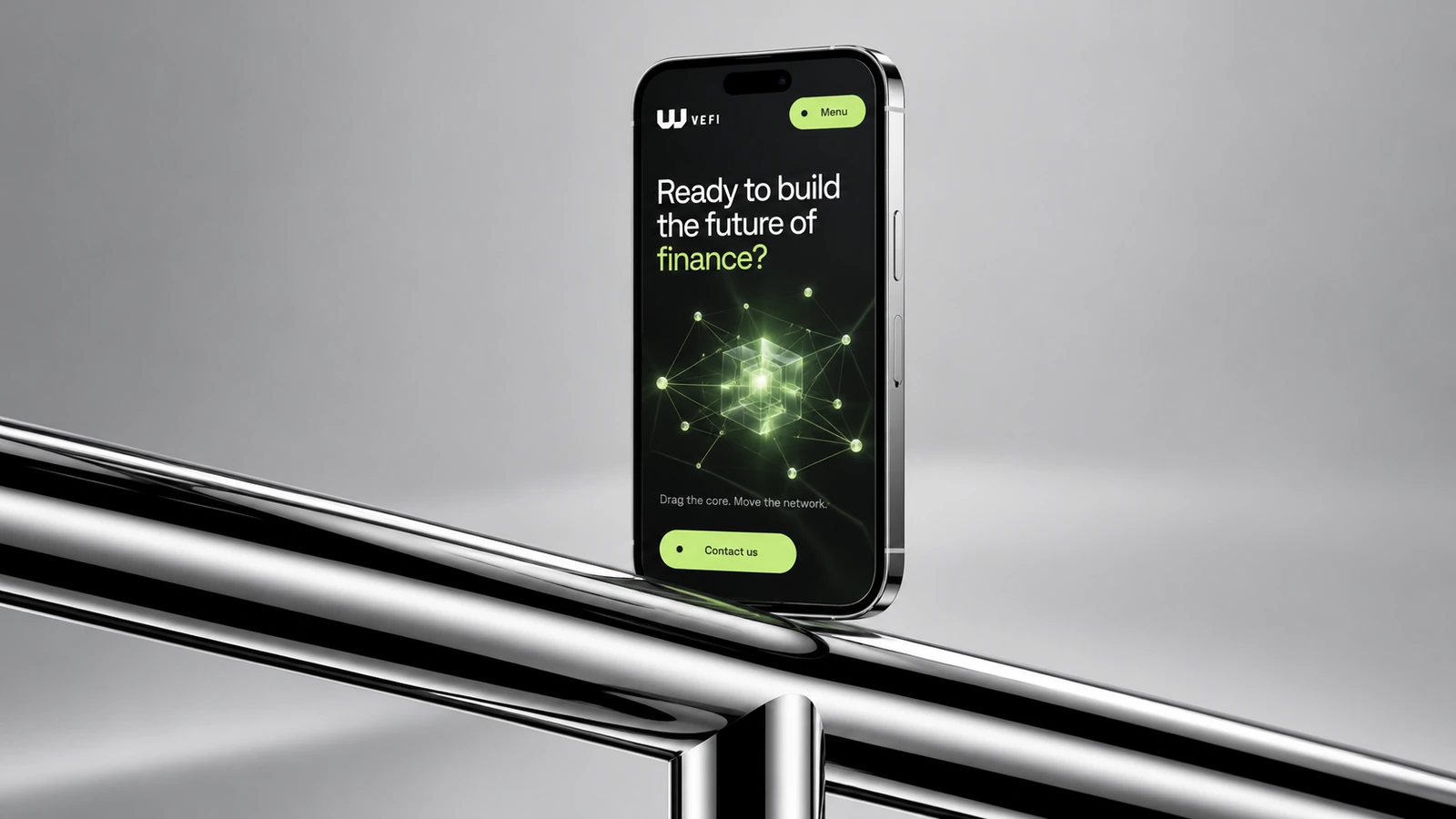
The closing network follows the same principle. Instead of ending on a static diagram, the visitor can move its core and activate the connections around it.
The response gives a familiar network idea a physical quality. Dragging, tapping or using the keyboard turns the final section into another opportunity to participate.
06 · Experience strategy
Give people a reason to participate.
As high-quality image and video creation becomes more accessible, interaction offers another way to create a distinctive experience. The audience can do something with the story, rather than only look at it.
The architecture and network were designed to encourage deeper exploration and make abstract ideas easier to understand. Those are design intentions: this independent concept has not yet been validated with measured engagement or comprehension results.


07 · Explore the website
Experience the whole story.
Explore the actual redesigned website, including its motion, illustration library, architecture explorer and interactive closing network. The live website is available directly below, with wide and mobile views.
08 · What comes next
From an expressive concept to a tested experience.
The next step is to test whether people can explain the five layers and their connections after exploring the model. I would compare comprehension, completion and interaction against a static presentation, then refine the experience using what people actually do.
Performance, keyboard navigation, reduced motion and touch behavior are part of that evaluation. The intended outcome is an experience that feels alive while keeping its information easy to reach.